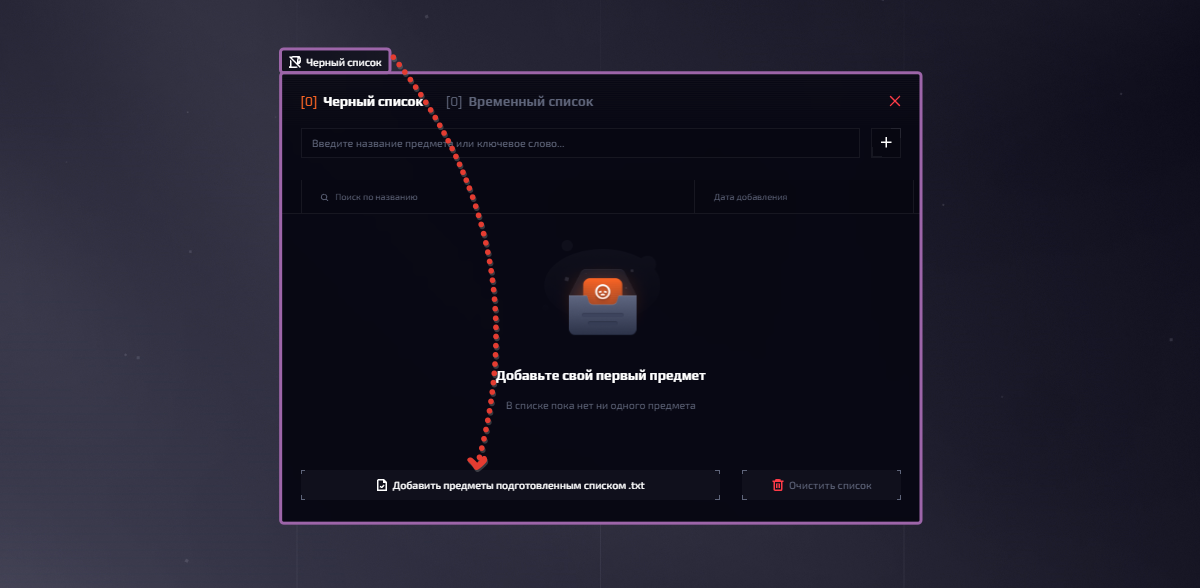
Blacklist
1 min readOur Blacklist can be divided into 2 lists: permanent and temporary.
In the permanent one, as the name suggests, items are added forever and can only be removed by deleting them manually
In the temporary list, items are added only for a while and are removed either when the timer expires or when one of the buying or selling sites is changed.
The blacklist and the temporary list support different ways of adding items; let's look at them:
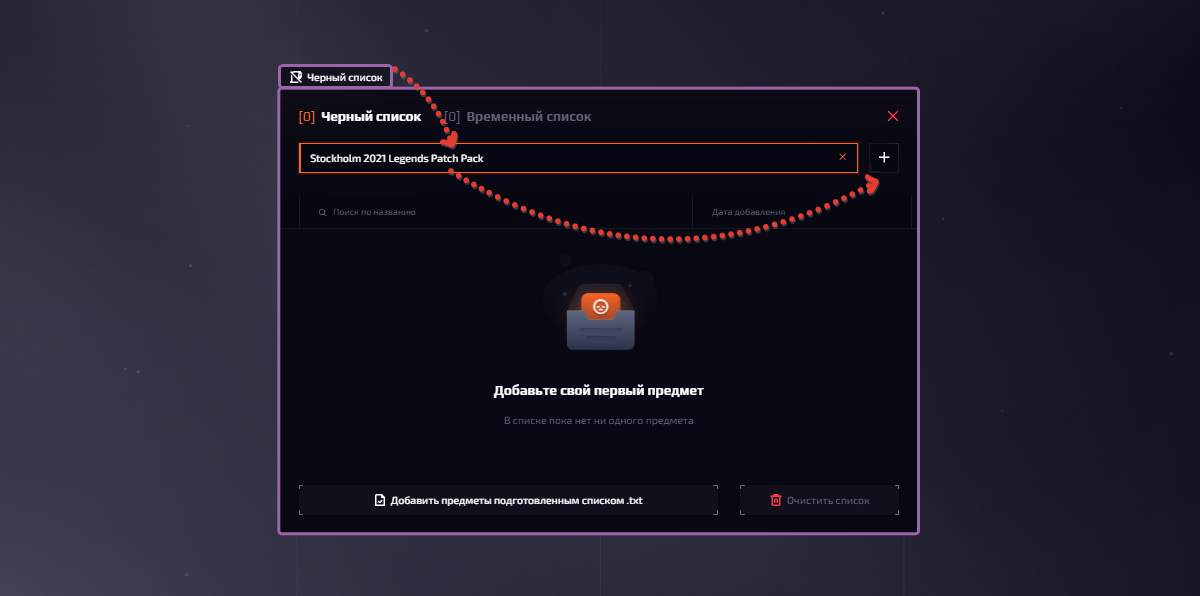
By name - an item can be added to the blacklist simply by entering the item name; different formats are supported, for example if you just enter AK-47, then all AK-47s will be ignored; if you enter AK-47 | RedLine, all wear qualities of this skin will be ignored; if you enter AK-47 | RedLine (minimal wear), the item will be ignored only in this quality.
To add an item to the blacklist this way, click "Blacklist" -> enter the item name -> click
With a prepared list - if you have many items at once that you want to add to the blacklist, you can add them all at once.
To add items to the blacklist this way, click "blacklist" -> click "Add items from a prepared .txt list" -> choose a txt file with item names\